Build and deploy your applications with builds, registries and PR previews, on infrastructure you control.
Self-hosted. Free community edition. Yours.
helm install kaisin oci://ghcr.io/bluepawlabs/charts/kaisin
Your infrastructure.
Your data.
Your rules.
This is the real reason people rent. Not the servers. The forty files.
It installs into a cluster you already have. Connect a repo, and Kaisin builds on your nodes, pushes to a registry it runs, rolls the image out, gets TLS from cert-manager, and gives every pull request its own environment that disappears when the PR closes.
Deployment, Service and Secret you can read with kubectl and delete without asking anyone.
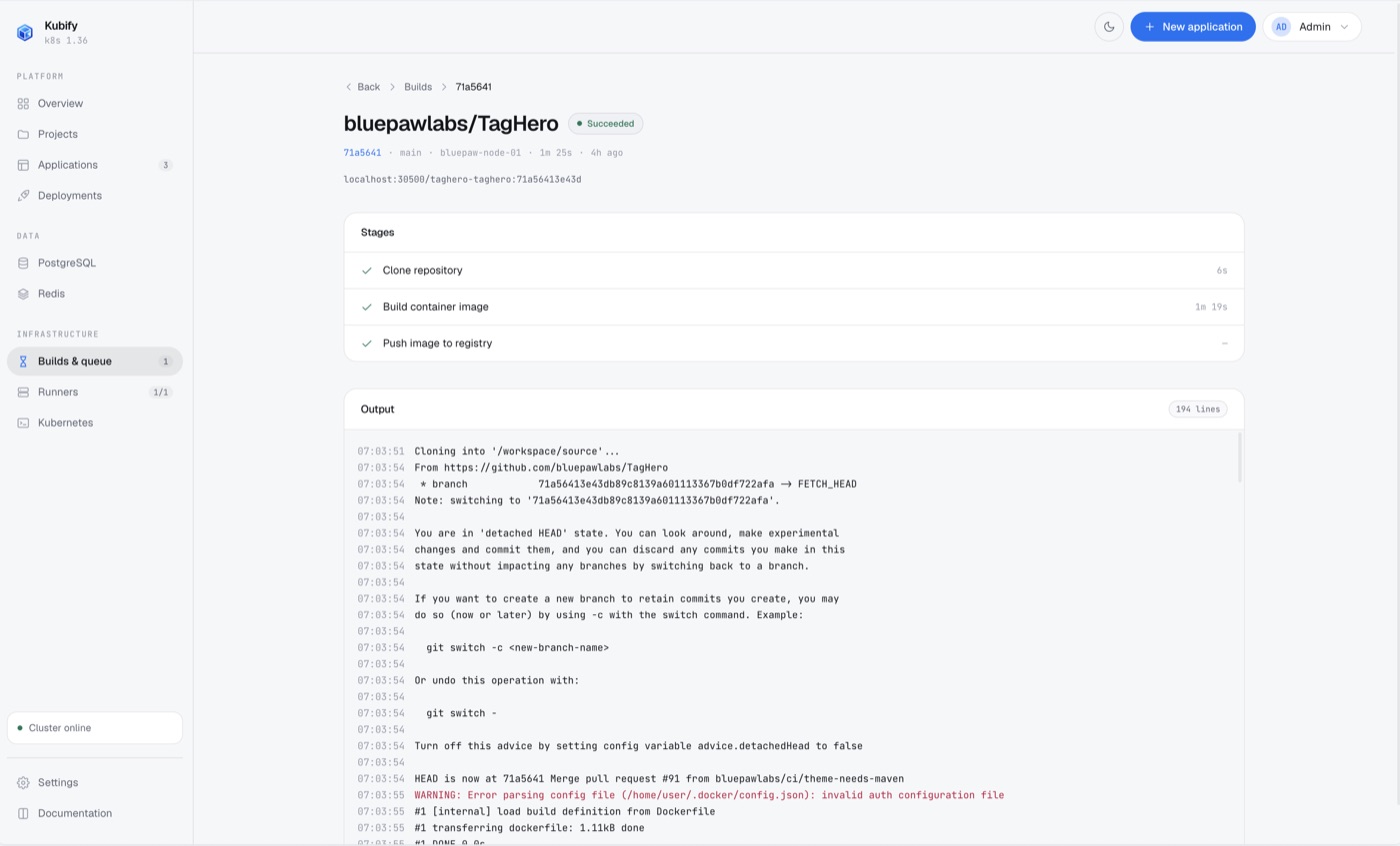
Rootless BuildKit in a short-lived Job. No Docker socket, no privileged pod. Or your own GitHub Actions builds it, and Kaisin deploys what it is handed.
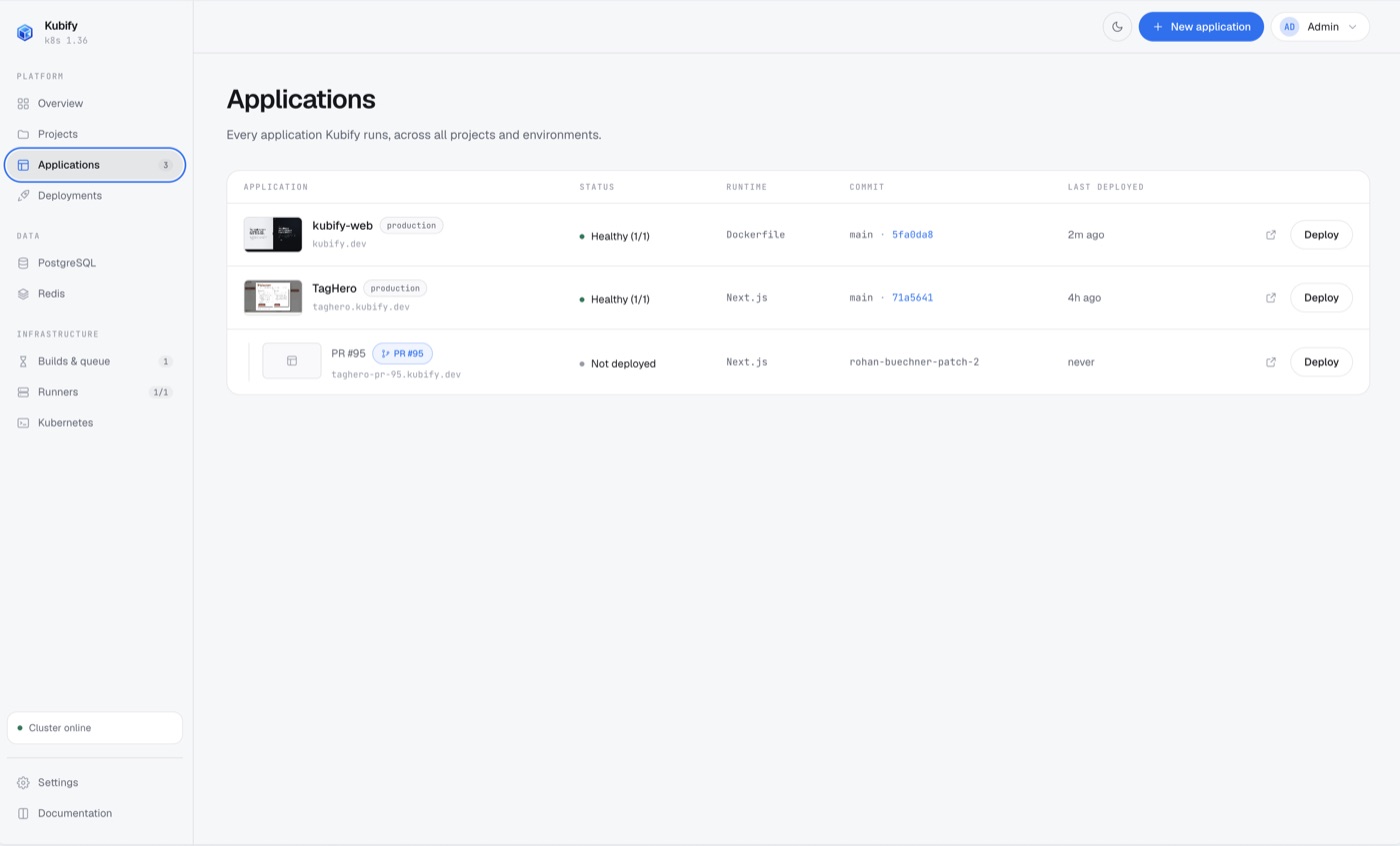
An in-cluster registry on a volume you own. Keeps the last ten images per app.
A route and a certificate per hostname. Given a Cloudflare token, Kaisin writes the record too, and opens a tunnel when the cluster has no public address.
One hostname can serve two applications by path, hand a subdomain to another, or do nothing but redirect.
PostgreSQL, Redis and S3-compatible object storage per environment, with the credentials injected and the buckets browsable in the panel.
A namespace, a build of the exact commit, a hostname and empty databases of its own per PR. Removed when it closes.
Draws what reaches what. Turn isolation on, and an environment refuses every connection nobody allowed.
How isolation worksSees what the cluster already runs and takes a namespace on where it stands. Changes go back to its chart as a pull request.
Importing a clusterBuild on one cluster and run production on another. Each environment says where it runs.
kaisin follows a failing build, tails logs, deploys and scales. Signed in by approving a code in the browser.
Claude Code, Claude, or anything that speaks MCP can do what you can do in the panel, as you. Or read-only.
Connecting an agentStandard Kubernetes objects, top to bottom. No opaque controller to debug at 2 AM.
Because Kaisin creates standard Kubernetes Secrets, you can inject external connection strings exactly like you do today. Point production at your existing RDS or managed Postgres; use the in-cluster databases for PR branches.
From pull request opened to preview running. Measured on the reference installation: a Next.js app on a single node.
You are pasting a cluster-level chart, so inspect it first. Pull it, template it, and read every object it would create. Nothing reaches your nodes that you have not already seen.
View on GitHubEverything Kaisin makes is an ordinary Deployment, Service and Secret that you can read with kubectl and delete without asking anyone.
Nothing to buy to run it. The chart and images are private packages, so installing takes a pull token, and that is all it takes. Telemetry goes to your own collector, or nowhere at all.
Native to k3s, kind, and any existing Kubernetes cluster. Uses cert-manager for TLS, rootless BuildKit for builds, and the OCI registry at oci://ghcr.io/bluepawlabs/charts/kaisin. Where Coolify and Dokploy target raw Docker servers, Kaisin is built for the cluster you run.
Pick your machine and your cluster. Copy the commands.
The community edition, free. The chart and its images are private packages on ghcr.io, so Helm and the cluster each need a token with read:packages on bluepawlabs.
Encryption key: Kaisin makes its own encryption key. Back it up. Losing it makes the secrets it protects unrecoverable.
The command line needs no token: brew install bluepawlabs/kaisin/kaisin
Deleting Kaisin leaves your running apps, services and certificates intact, because they're standard Kubernetes objects. You can rip it out the same way you rip out anything else.
Free community edition. On hardware you own.
 Kaisin